
Kanvas Git is a desktop Git client for teams that want the power of Git without memorising every command. It shows the commit graph as a visual map, previews diffs side by side, resolves merge and rebase conflicts with a guided editor, and connects to GitHub, GitLab and Bitbucket. This article explains the problems that pushed us to build it, the architecture we chose, and the trade-offs we accepted along the way.
Git is the foundation of modern software work, yet most developers only use a handful of its commands. The rest of its power is locked behind terminal syntax that is easy to get wrong. A rebase that goes sideways can leave a branch in a confusing state. A force push can erase a colleague’s work. Even experienced engineers hesitate before touching history, because the feedback Git gives is text-only and often cryptic.
Teams feel this most when they are not all engineers. Product managers want to see which branch a feature is on. Designers want to review a change to an asset repository without installing a toolchain. Technical writers commit documentation and worry about breaking the build. Each of them needs a visual overview of the repository, and most of them end up asking a developer to fix something on their behalf.
Existing clients solve parts of this problem, but they tend to be either very complex for newcomers or limited in the areas that matter to larger teams: conflict resolution, large diffs, performance on repositories with hundreds of thousands of files, and clear permission rules when a tool is installed on shared machines.
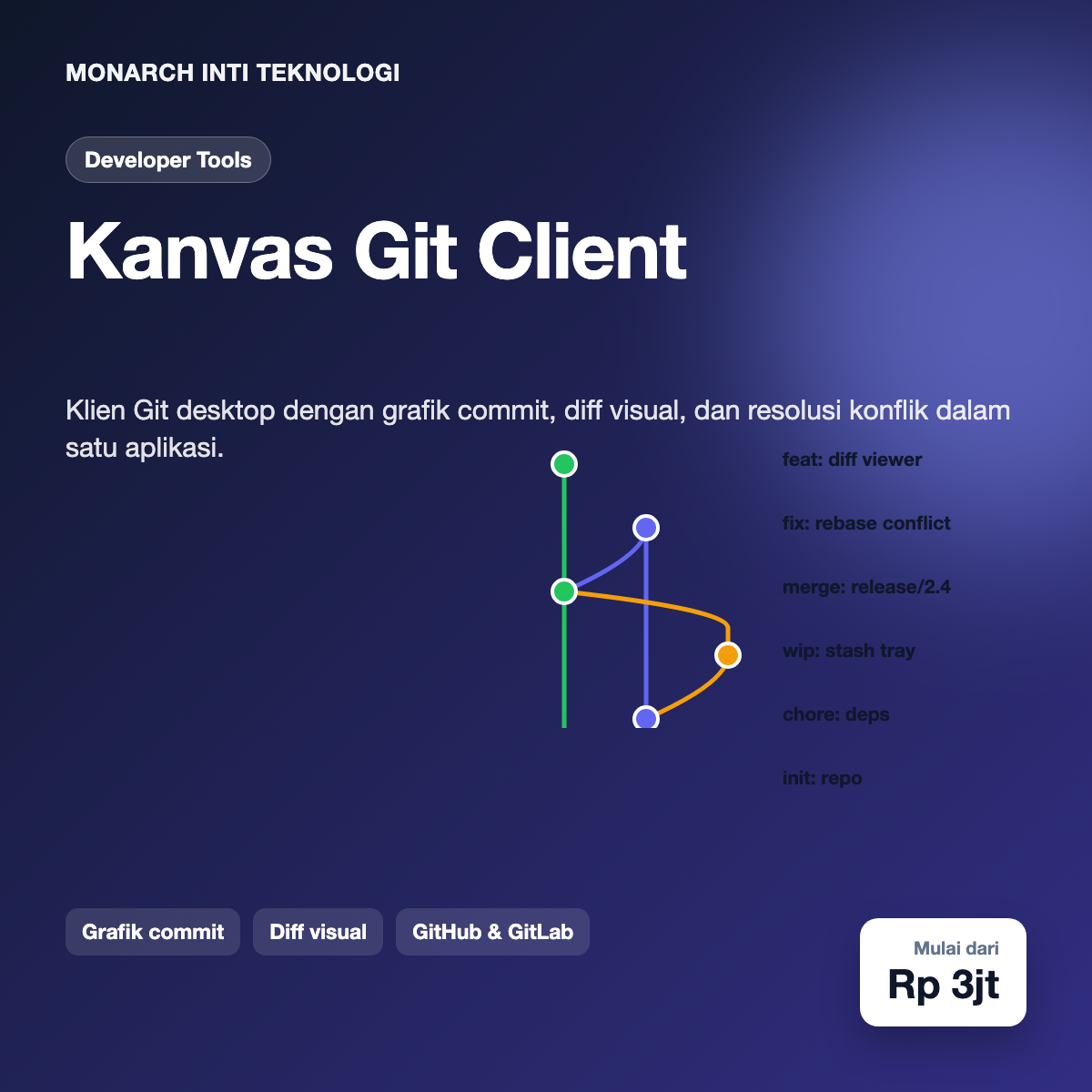
Kanvas Git starts from the idea that the commit graph is the most useful picture of a repository, so it sits at the centre of the interface. Each branch is drawn as a coloured lane, merges and rebases appear as curves, and stashes and remote branches are shown in context. Clicking a commit opens its message, author, changed files and a summary of the change. Hovering over a branch shows how far it is ahead of or behind its upstream.
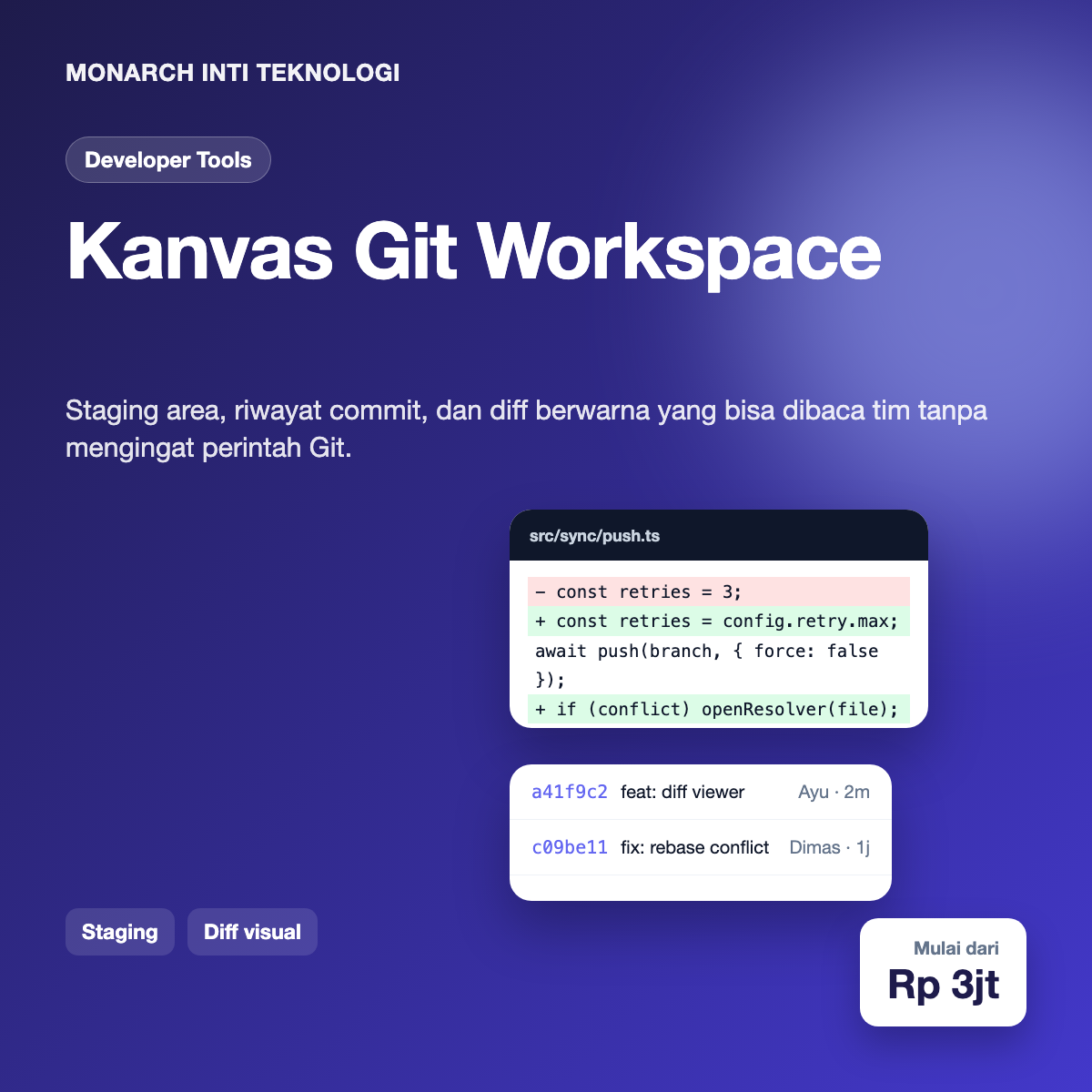
The diff viewer compares two versions of a file in a split or unified layout. Syntax highlighting is applied per language, and whitespace-only changes can be hidden. For binary files such as images, the viewer offers before and after previews. Large diffs are loaded in chunks, so scrolling through a generated file with tens of thousands of lines stays smooth.
Conflict resolution is guided. When a merge or rebase stops, Kanvas Git lists the affected files and shows the three versions side by side: the base, the local change and the incoming change. Each conflict block has buttons to take one side, take both, or edit manually. A progress bar tracks how many conflicts remain, and the operation can be aborted safely at any point, which restores the repository to the state before the merge started.
Staging is visual too. Changed files appear in a list with a checkbox for each file and each hunk. Partial staging is supported for single lines, so a developer can commit a clean change without bringing along a debug statement from the same file. Commit messages can be generated from a template, and a conventional commit helper checks the format before the commit is created.
Kanvas Git is a cross-platform desktop application built with Tauri. The user interface is written in React and TypeScript, while the core operations run in a Rust process. Using Tauri keeps the installer small and avoids bundling a full browser engine with every copy, which matters for teams that install the client on many machines.
All Git operations go through libgit2, a mature library that Kanvas Git accesses from Rust. We avoided shelling out to the git command for every action because parsing its output is fragile across versions. Where a feature is not available in libgit2, such as some hooks and advanced rebase options, the application falls back to the installed git binary and validates its version before running the command.
Repository metadata that is expensive to compute, such as the commit graph layout and file history, is cached in a local SQLite database. The cache is keyed by repository and by the hash of the references, so it is invalidated only when the repository actually changes. On first open, the graph is built in a background thread and the interface shows the most recent commits immediately.
Remote integration uses the official REST and GraphQL APIs of each hosting provider. Authentication uses OAuth with short-lived tokens stored in the operating system’s secure keychain, never in plain configuration files. Pull requests and merge requests can be listed, reviewed and merged from inside the client, with the same diff viewer used for local changes.
Desktop shell: Tauri 2 with a Rust backend and a small, signed auto-updater
Interface: React 18, TypeScript, Zustand for state, virtualised lists for commit history
Git engine: libgit2 through Rust bindings, with a validated fallback to the system git binary
Local cache: SQLite with per-repository indexes for graph layout and file history
Diff rendering: Web worker for syntax highlighting, chunked loading for large files
Remote providers: GitHub, GitLab, and Bitbucket through official APIs and OAuth
Platforms: macOS (Apple Silicon and Intel), Windows 10 and 11, and Linux (AppImage and deb)
Release process: Automated builds in CI, code signing for macOS and Windows, staged rollout to a percentage of users
Performance on large repositories. A monorepo with hundreds of thousands of files can make status checks slow. We limit the initial status scan to visible directories, use the file system watcher to update only changed paths, and reuse the index that libgit2 maintains. The result is a status view that updates within a fraction of a second after saving a file, even on large projects.
Graph layout that stays readable. Repositories with many merges produce tangled graphs. Our layout algorithm assigns lanes greedily, prefers keeping a branch in the same lane, and collapses long sequences of merge commits into a single expandable row. Users can choose a simpler layout that shows only branches and tags for a quick overview.
Safe handling of destructive operations. Force push, hard reset and history rewriting are the actions that cause the most damage. Kanvas Git requires an explicit confirmation that names the branch and the number of commits affected. It also keeps a reflog-backed undo entry for the last operations, so a mistaken reset can be reversed from the history panel.
Trust in automatic updates. A developer tool that updates itself must be trustworthy. Updates are signed, the signature is verified before installation, and the release channel can be pinned by team administrators. A failed update rolls back to the previous version automatically.
Keeping conflict resolution understandable. Early testers found the three-way view overwhelming. We added a simplified mode that highlights only the lines that differ and hides unchanged context, and it is now the default for new users. Experienced users can switch back to the full view at any time.
Source code is one of a company’s most sensitive assets, so Kanvas Git follows a strict rule: the application does not send repository content to any server operated by us. Git operations happen on the user’s machine, and only the calls needed to talk to the chosen hosting provider leave the device. Tokens are stored in the system keychain and scoped to the minimum permissions required.
Team administrators can restrict which providers and organisations the client may connect to, and they can disable features such as force push for protected branches. Audit logs record installations, sign-ins and policy changes, which helps companies answer questions from their security team without collecting developers’ code.
Teams that adopted Kanvas Git in pilot programmes reported fewer incidents during rebases and merges, mostly because the guided conflict view made the state of the repository visible at every step. Non-engineering team members began reviewing branches directly, which reduced the number of simple questions that reached developers.
Three lessons shaped the product. First, a graph is only useful if it stays stable as the repository changes, so layout decisions must favour predictability over perfect compactness. Second, safety features are part of the feature set, not an add-on, and the cost of an accidental force push is far higher than the cost of one extra confirmation. Third, performance work has to be measured on real repositories from real teams, not on small examples built for demos.
The next release adds a built-in code review panel with inline comments, a command palette for power users, and integration with issue trackers such as Jira and Linear, so a branch can be linked to the work item it implements. We are also exploring a lightweight agent that suggests commit messages from staged changes, with all processing kept on the device.
Monarch Inti Teknologi builds developer tools and business software for teams that care about reliability and clarity. We work closely with engineers and non-engineers alike, so the products we ship are powerful without being intimidating.
Want a live demo? We can open a demo session with a sample repository so your team can try the graph, diff viewer and conflict resolution on realistic history. Contact us at [email protected] and we will schedule it.