
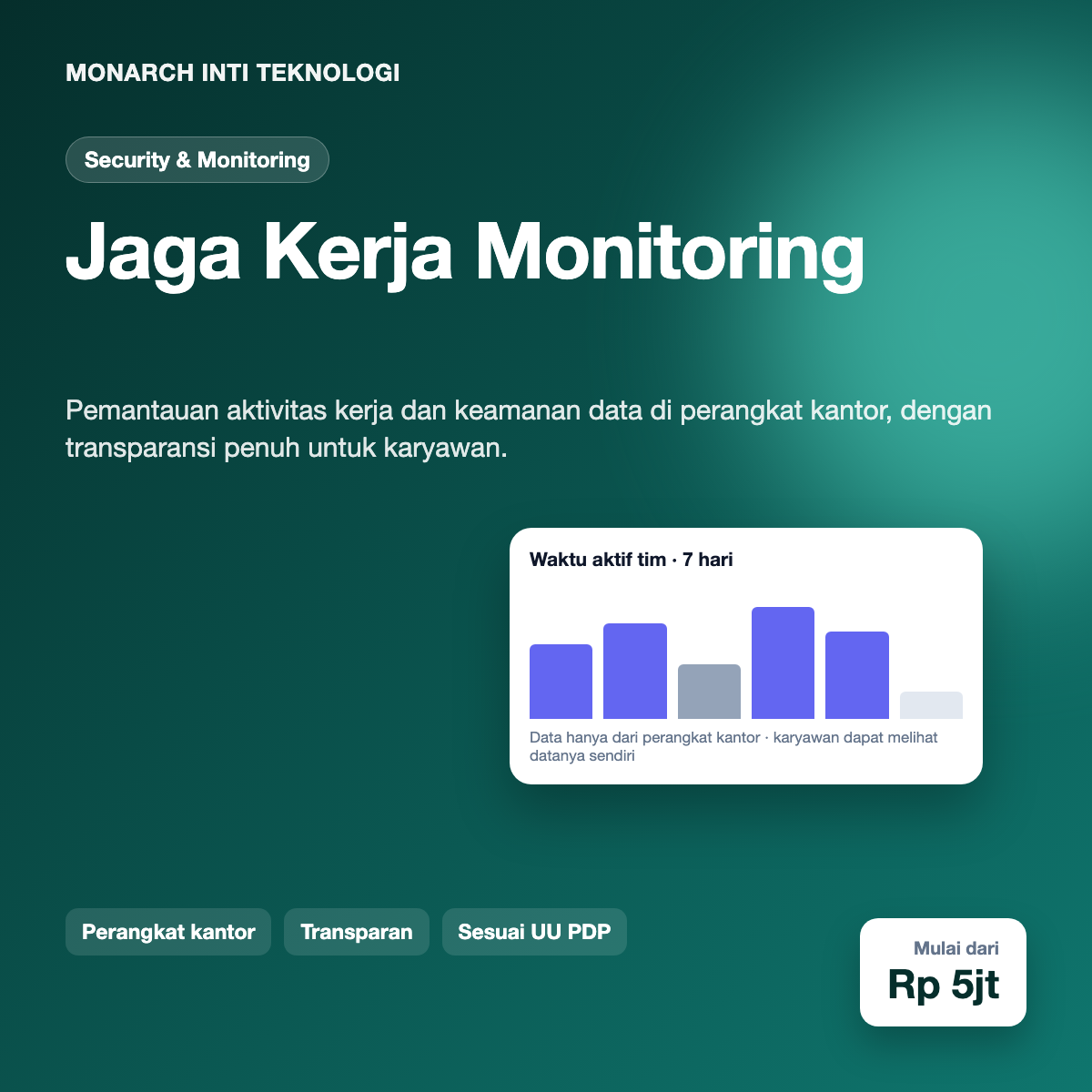
Jaga Kerja is a workplace activity and device security platform for companies that manage their own laptops and desktops. It shows how working time is spent across projects, flags unusual security events such as new USB devices or uploads to unapproved services, and gives HR and IT an audit trail they can explain to employees. The product is built around transparency: employees can see what is collected about them, and the system is designed to collect as little as possible.
Companies with remote and hybrid teams face two problems at the same time. Managers want a reliable picture of how time is spent, especially on client projects that are billed by the hour. Security teams want to know when company data leaves the organisation through a USB drive, a personal cloud account or an unapproved app. Both needs are real, and the tools that answer them are often heavy, opaque and poorly trusted by the people they describe.
When monitoring is done badly, it damages the workplace. Employees discover tracking software they were never told about, timesheets become a game of looking busy, and the best people leave. Companies that introduce monitoring without a clear policy also run into legal trouble. In Indonesia, the Personal Data Protection Law (UU No. 27/2022) requires a lawful basis for processing personal data, purpose limitation, and the right of individuals to know and access what is held about them. A monitoring product that ignores these principles creates risk for the company that buys it.
The gap we saw was a product that treats monitoring as a policy tool first and a surveillance tool second. It should answer specific questions that a company has decided it needs answered, be visible to the people it affects, and keep records that can be audited.
Jaga Kerja is installed only on company-owned devices, and every installation is preceded by a policy document that the company publishes to employees. The agent shows a visible status indicator in the system tray, so an employee always knows that monitoring is active. Employees can open a personal page that lists what is collected, for which purpose, and how long it is kept. Requests to access or correct data go through a simple workflow handled by HR.
The activity view groups time by application category and by project, rather than recording every window title or keystroke. Keystroke content is not recorded by default. Companies can enable specific features, such as tracking time on approved project tools, but each feature is listed in the policy and shown in the employee’s view. Idle time is detected but not reported in detail unless the policy requires it.
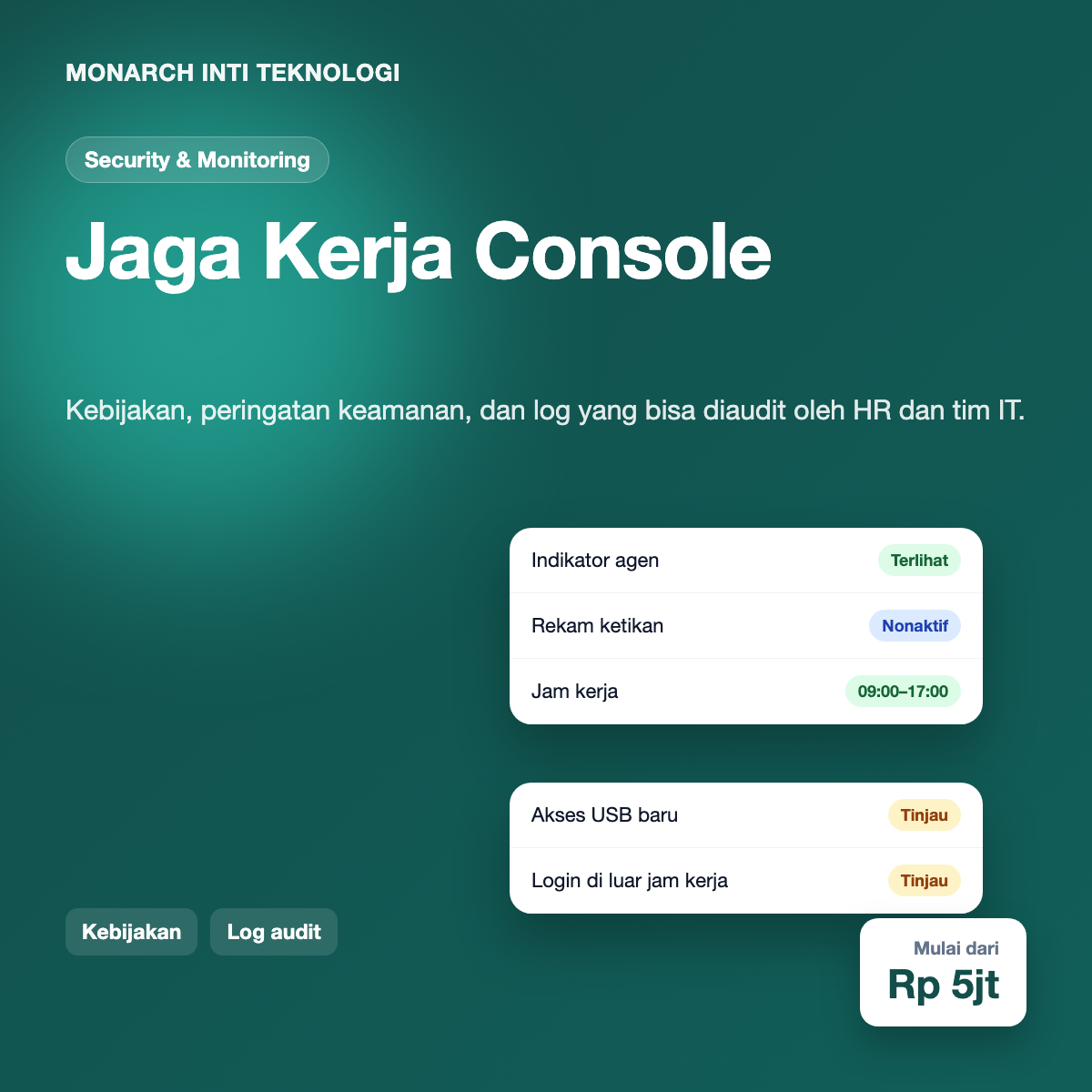
Security events are the other half of the product. The agent watches for a short list of conditions that the company has chosen: a new removable drive is connected, a file is uploaded to a service that is not on the approved list, a login happens outside working hours from a company device, or the agent itself is stopped or tampered with. Each event generates an alert with the context needed to judge it, and HR or IT can mark it as reviewed, escalate it or dismiss it. Dismissals require a reason, which gives the company a record of how it handled each case.
Policies are set per division. Finance can have stricter controls on file transfers than marketing, and the console shows which policy each device is running. Changes to a policy are versioned, and the version active at the time of any event is stored with that event, so a review months later reflects the rules that actually applied.
The endpoint agent is written in Go. Go produces a single native binary for Windows and macOS, uses little memory, and handles concurrency well for the many small event sources the agent watches. The agent collects events locally, signs each batch with a device key, and sends it over mutual TLS to the ingestion service. If the device is offline, events are stored in an encrypted local queue and sent when the connection returns.
The ingestion service receives batches, checks signatures, validates the schema, and writes events to a message broker. Processing workers then apply the policy rules, mask personal identifiers where the policy requires it, and store events. Separating ingestion from processing means that a slow analytics query never blocks a device from reporting.
Events are stored in ClickHouse, which is designed for large volumes of time-series data and fast aggregation. Summary tables power the activity dashboards so that managers do not wait for raw scans. Configuration, users, policies and audit records live in PostgreSQL, which gives us transactions and strong consistency for the parts of the system where mistakes are costly.
The web console is a React application that talks to a Go API. Role-based access control defines who can see activity aggregates, who can see individual alerts, and who can change policies. Access to individual employee detail is logged, and the employee can see the log of accesses to their own data.
Endpoint agent: Go 1.22, native binaries for Windows 10/11 and macOS, code-signed and notarised
Transport: mutual TLS between agent and ingestion, signed event batches, encrypted local queue
Messaging: NATS JetStream for durable event streams between services
Event storage: ClickHouse with partitioning by day and materialised views for dashboards
Relational data: PostgreSQL 16 for users, policies, configuration and audit logs
Console: React, TypeScript, and a charting library for activity views
Infrastructure: Kubernetes on managed cloud, with regional deployment options for data residency
Observability: Structured logs with personal identifiers removed, tracing for the ingestion path, and alerts on agent heartbeat failures
Keeping monitoring proportionate. The easiest way to build a monitoring product is to collect everything and filter later. We designed the opposite: each data point must be linked to a policy feature, and features that the company has not enabled are not collected at all. The agent code does not contain the collectors for disabled features, which means their data cannot leak even through a bug in the filter.
Tamper detection without spyware behaviour. The company needs to know if an agent is stopped or removed, but the agent should not hide itself from the user. Jaga Kerja reports heartbeat gaps to the console and shows the same status to the employee. Attempts to disable the tray indicator are logged as events, so the record is clear and nothing is concealed.
Reliable delivery from laptops. Laptops sleep, change networks and run out of battery. The agent writes events to an encrypted queue with sequence numbers, and the ingestion service deduplicates by sequence. A device that was offline for a week delivers its backlog in order, and the dashboards show the time of delivery separately from the time of the event.
Accurate time tracking. Application focus events arrive in bursts and can overlap. We derive intervals from state changes and cap any single interval at the policy’s idle threshold, so a laptop left open overnight does not add hours to a project. The timesheet view shows the derived intervals and lets employees flag a correction, which then goes through the same review workflow as security alerts.
Handling personal data in logs. Operational logs are useful only if they do not contain personal data. The logging library masks email addresses, device serials and file names by default, and a test suite checks that the masking applies to every log line emitted by the ingestion and processing services.
Jaga Kerja is designed to help companies meet the principles of the Personal Data Protection Law. Each policy records its purpose, its legal basis as defined by the company, the categories of data collected, and the retention period. Employees receive the policy before installation and can view it at any time. Retention rules delete raw events after the configured period, and summary aggregates are kept only where the policy requires them.
We also recommend that companies involve legal counsel and their employee representatives before rollout. The product provides the technical controls, but the decision about what to monitor and why belongs to the organisation and must be made openly. Our onboarding includes a template policy and a checklist, not a sales pitch that promises unlimited visibility.
Pilot customers reported that the transparency features made the biggest difference. When employees could see their own activity summary and the list of policies, questions about monitoring dropped sharply, and the conversation moved to how the data helped them plan their week. Security teams valued the audit trail, which made it easier to close alerts and explain decisions after an incident.
The main lesson was that trust is a feature. A monitoring tool that employees believe is fair will be used the way it was intended. A tool they feel is hidden will be resented, worked around and eventually removed. Designing for visibility, proportionality and audit from the first sprint was more work, but it made the product easier to sell and easier to keep.
The roadmap includes a data subject request portal that automates the response workflow, richer project time reports for client billing, and a rules simulator that shows how a proposed policy change would affect a sample of past events before it is published. We are also working on integration with HR systems so that leave and attendance records are reflected in the timesheet view without duplicate entry.
Monarch Inti Teknologi builds security and operations software for companies that want strong controls without sacrificing the trust of their people. Our work combines engineering depth with a clear view of privacy and compliance requirements, so the systems we deliver can be explained to employees, auditors and regulators.
Want a live demo? We can set up a demo console with sample devices and a sample policy so your HR and IT teams can review how the controls, alerts and employee view work together. Contact us at [email protected] to arrange it.